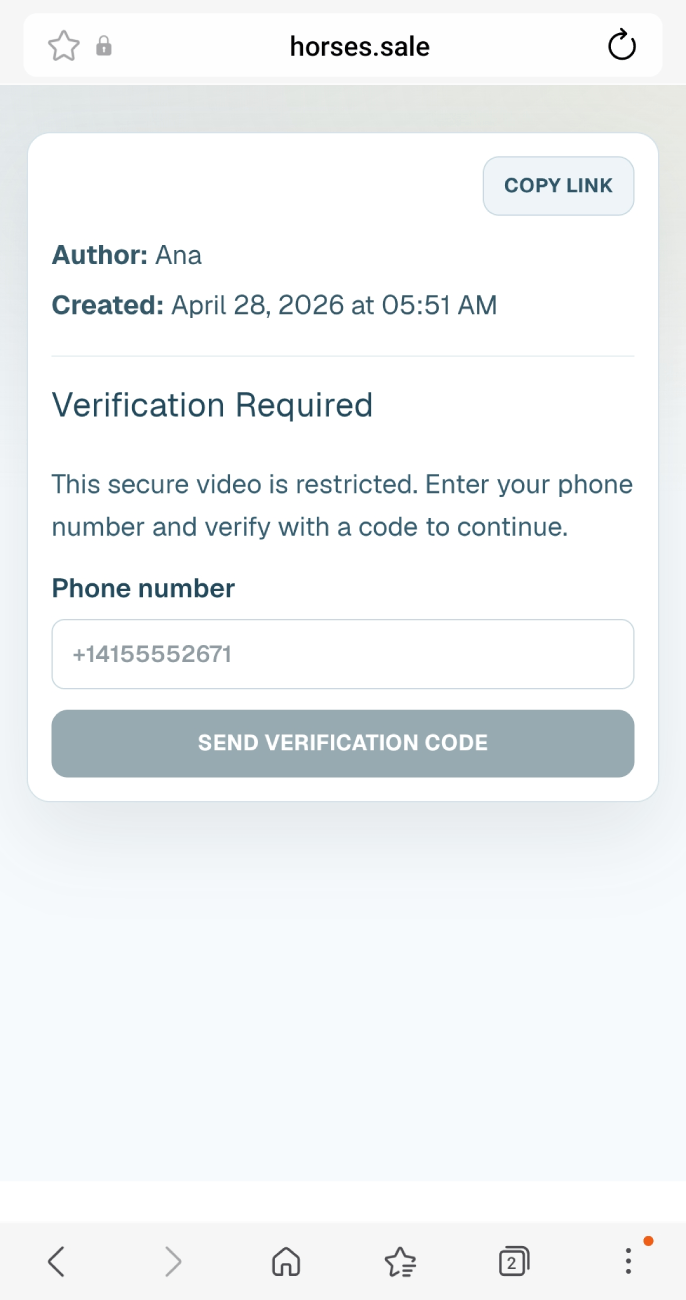
Sharing your horse details privately
With HORSES.SALE, you can store your horse details (sales card, video, X-rays, documents) and share them privately with potential buyers.
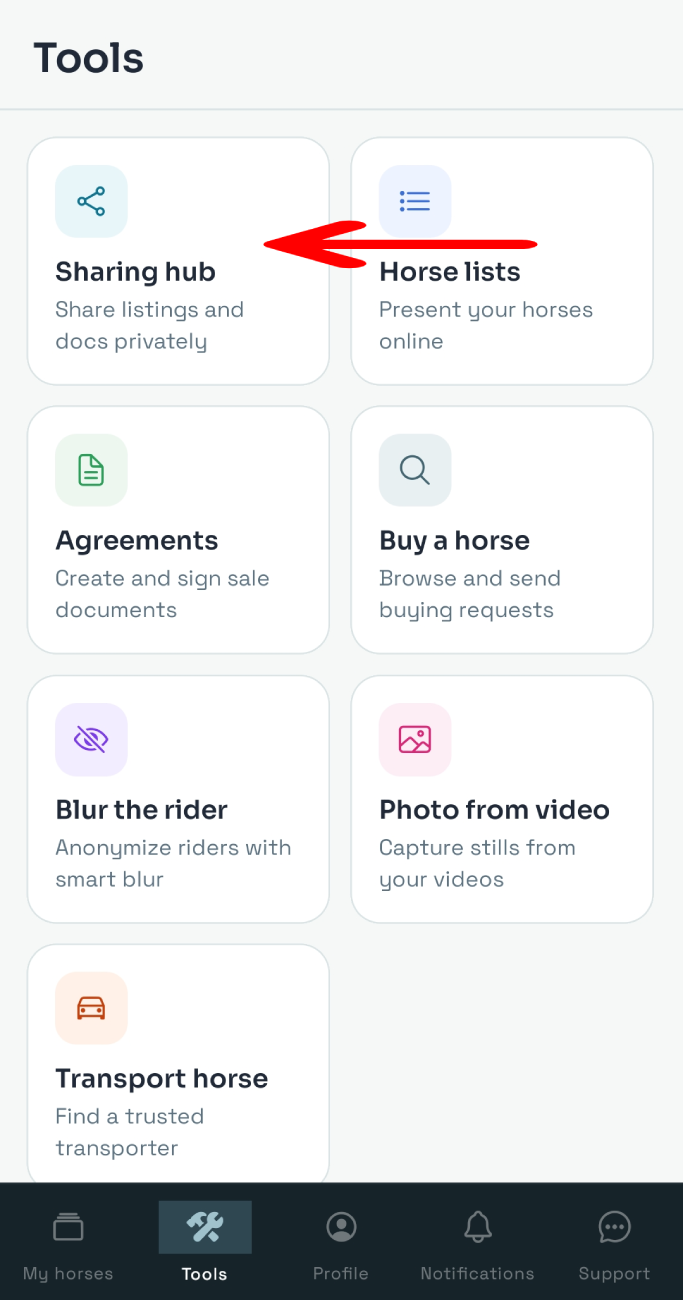
To start using the Sharing tool, tap Tools and select the Sharing hub option.
Select the content type at the top of the screen.
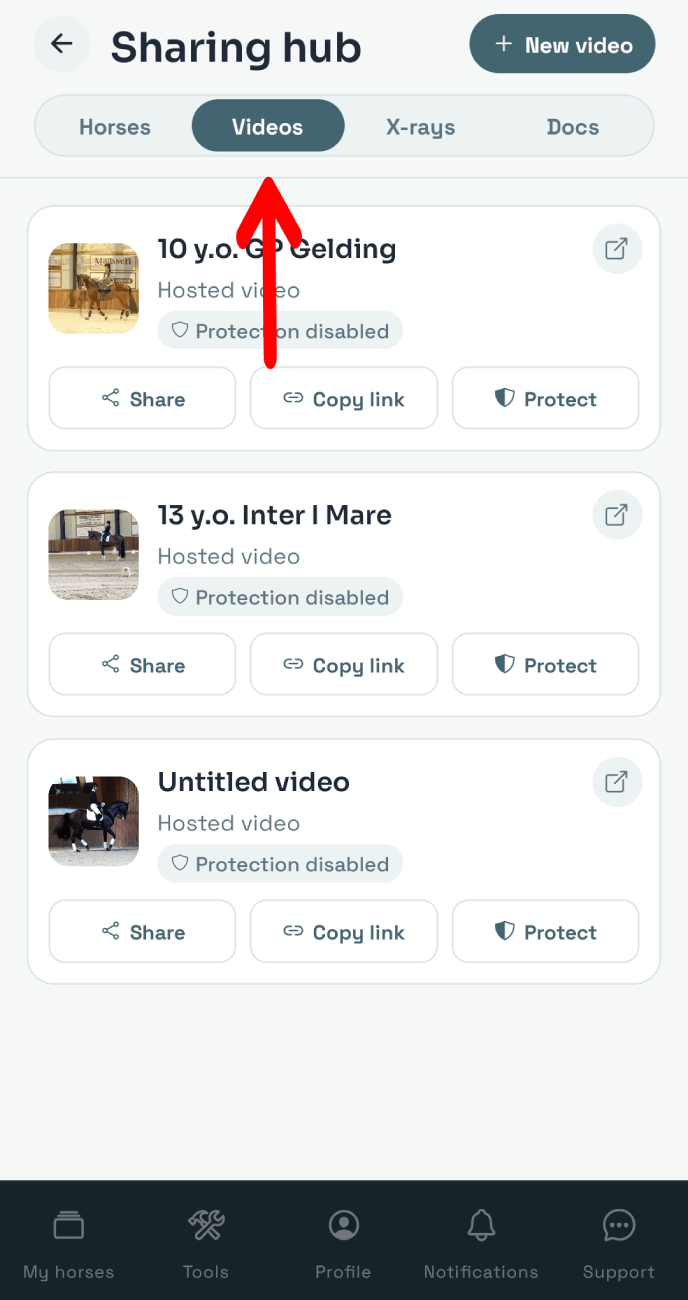
Choose the needed horse, video, X-ray set, or Docs set. To share the link to this asset as-is, without any additional protection, click the Share or Copy link button. To add protection, tap the Protect button.
You can select additional privacy options, which are different depending on the content type, including:
- Password protection (for horses, videos, X-rays, and Documents) - set the password and provide it to your client: without it, the asset can't be opened.
- Email protection (for horses, videos, X-rays, and Documents) - enter your client's email address: to open the asset, they'll need to enter a one-time code sent to that email.
- Phone number protection (for horses, videos, X-rays, and Documents) - enter your client's phone number: to open the asset, they'll need to enter a one-time code sent to that number.
- Expire after first play (for videos) - if selected, the video can be previewed only once: the link will expire after that.
- Timed access (for videos) - if selected, the video is available during X minutes after the first play.
- Allowed IP address (for videos) - set the client's IP address: the asset is available only for that IP address.
- Watermark (for videos, X-rays and documents) - add a watermark to your asset: upload custom or select from the list.
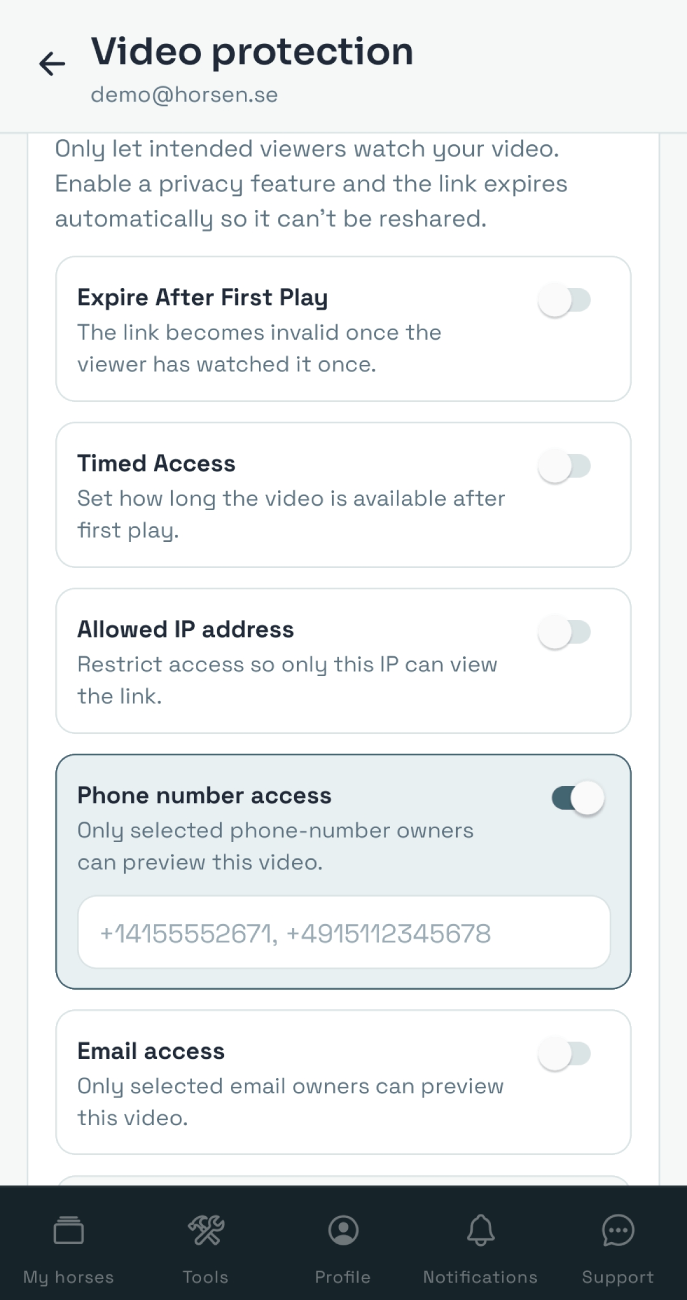
Once you set the privacy options, copy the secure link and share it with the buyer.
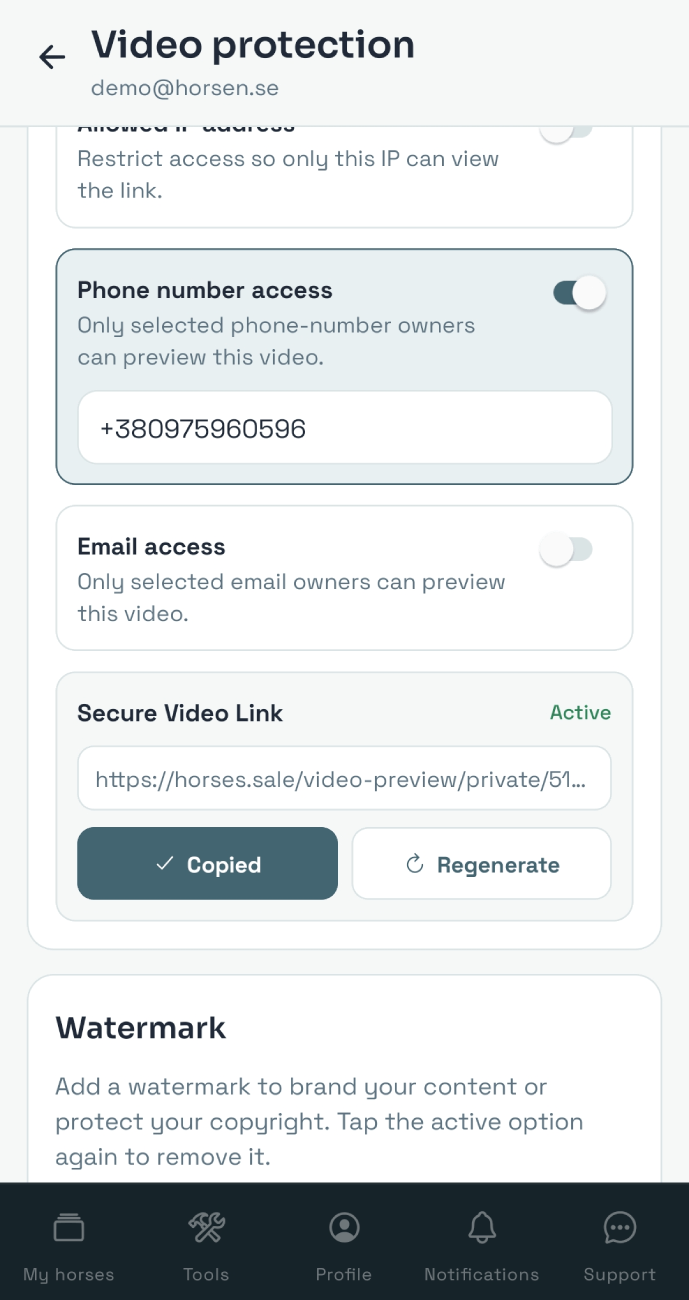
Your asset will be available at this link only if the privacy requirements you set are followed.