Business Page & Collections
The business page is your dedicated page on HORSES.SALE with your business details and horse cards. You decide which horses are there: it's not obligatory to publish them on our public listings.
You can share your business page with a URL or embed it on your own website. While the limit on horses to sell on HORSES.SALE depends on your account plan, on your business page you can publish an unlimited number of horses for free.
Adding a horse to the business page
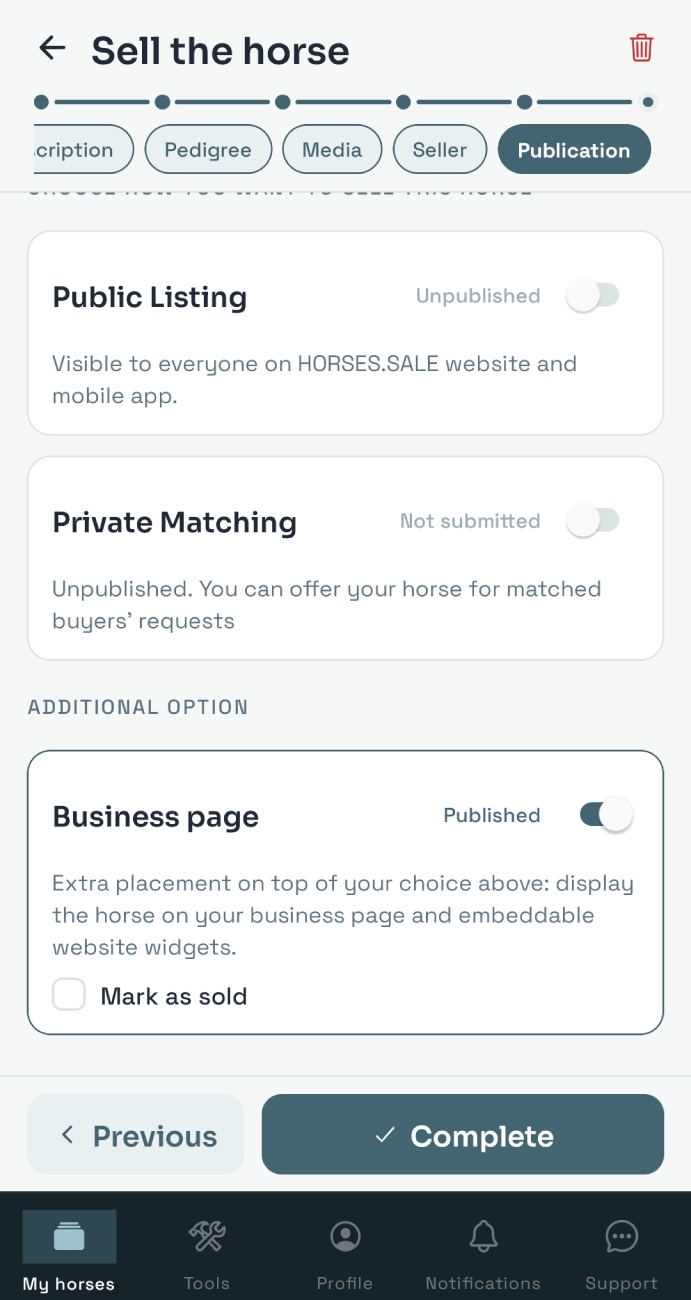
To publish the horse on your business page, click the + Add horse button and fill out the details. Publication preferences are set on the last step - you can enable or disable publication on business page no matter which settings are selected for HORSES.SALE listing.
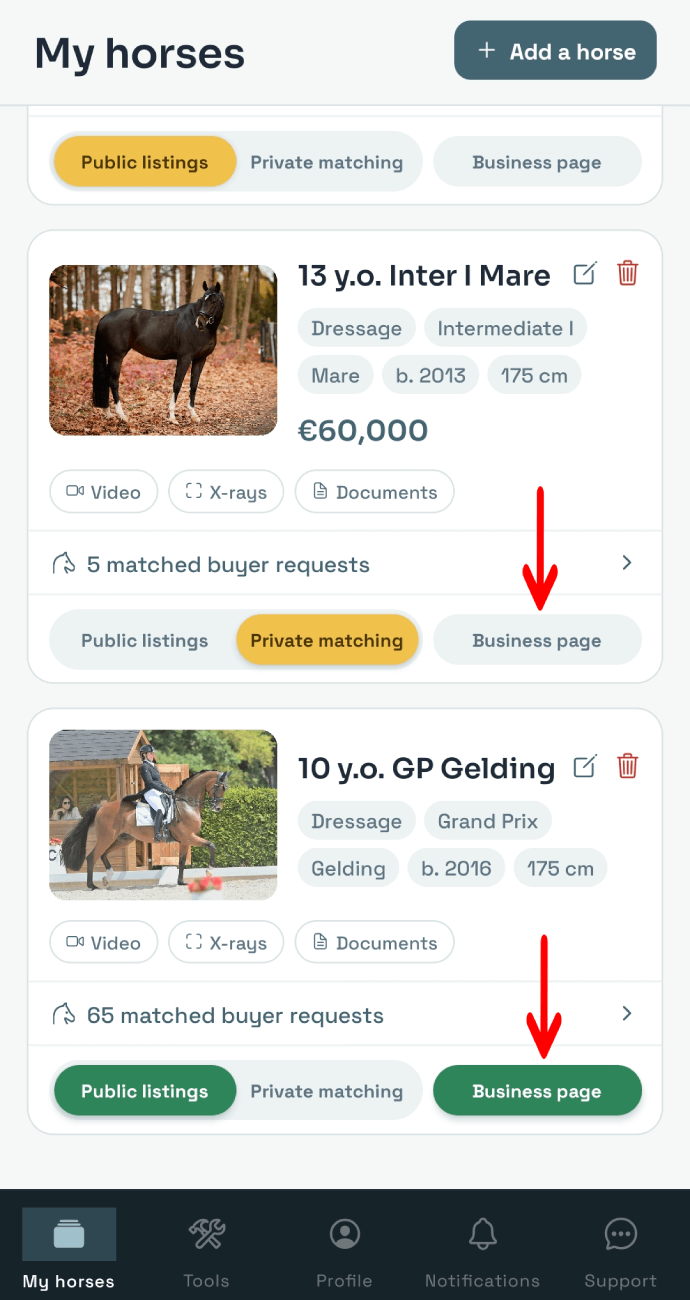
You can also add/remove a horse from the business page in the horse card on the My horses screen.
Business page settings
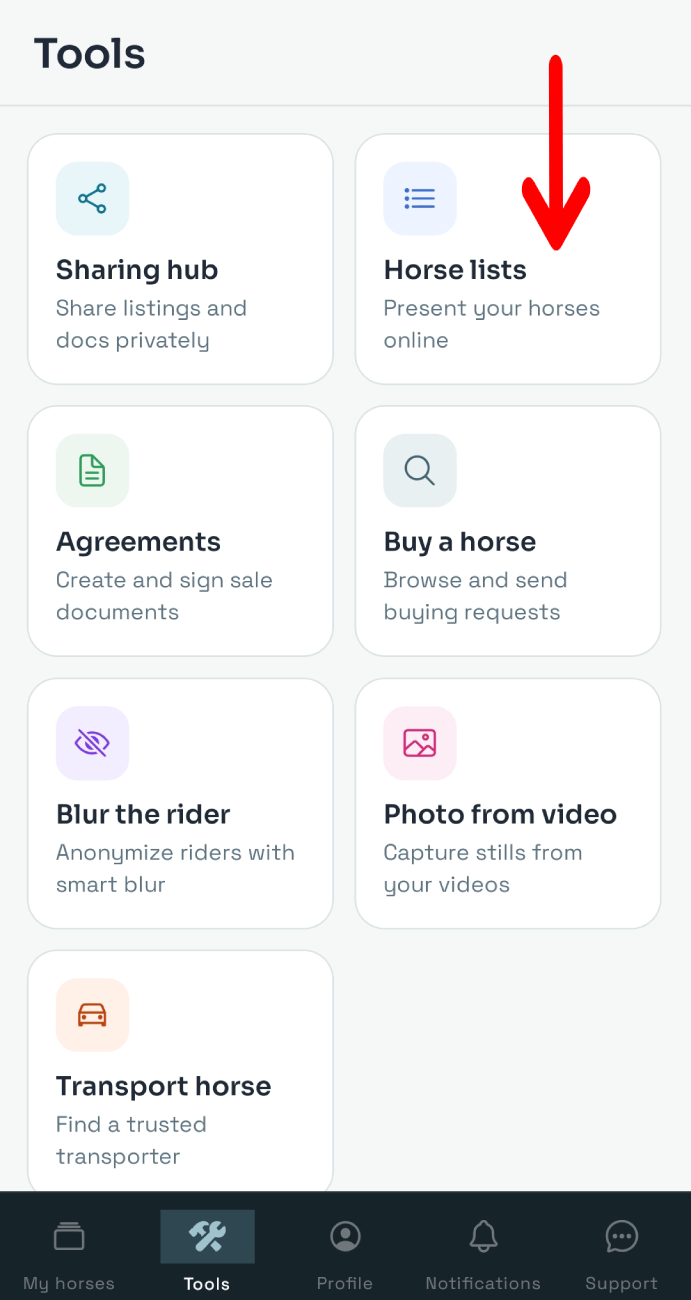
To set up your business page, open the Tools section and select Horse lists.
To set up the business page, tap the Settings button at the top of the screen.
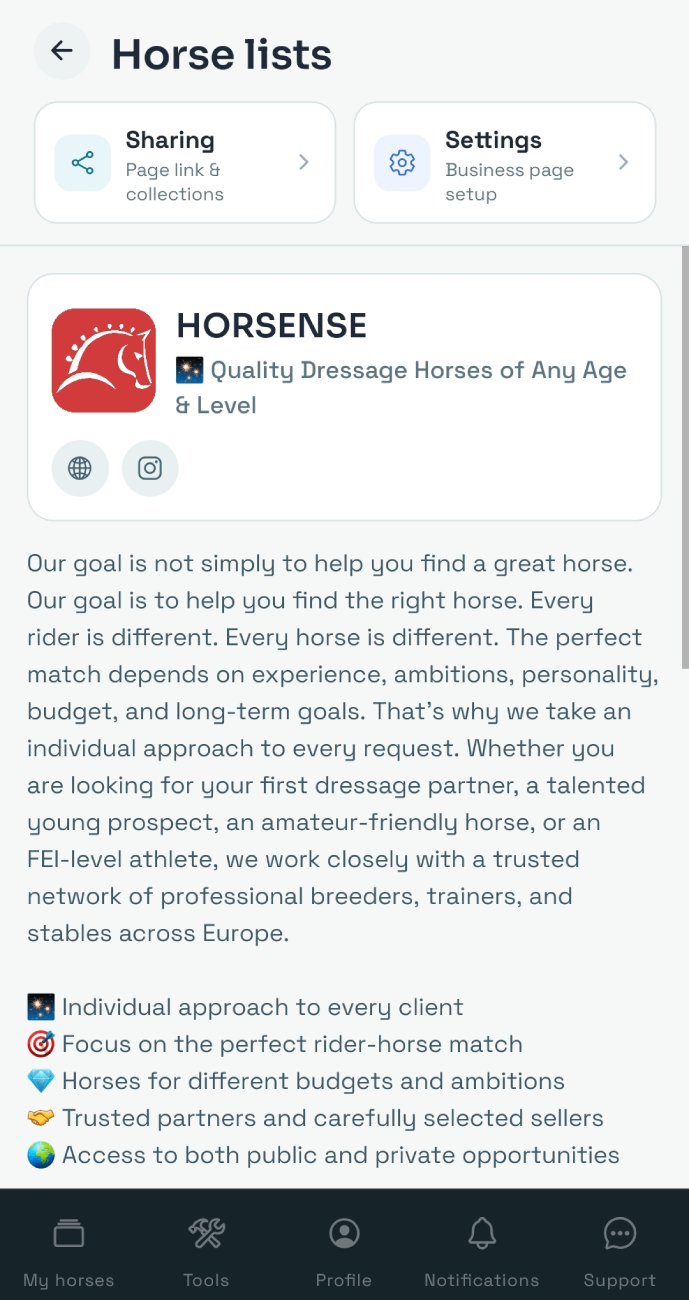
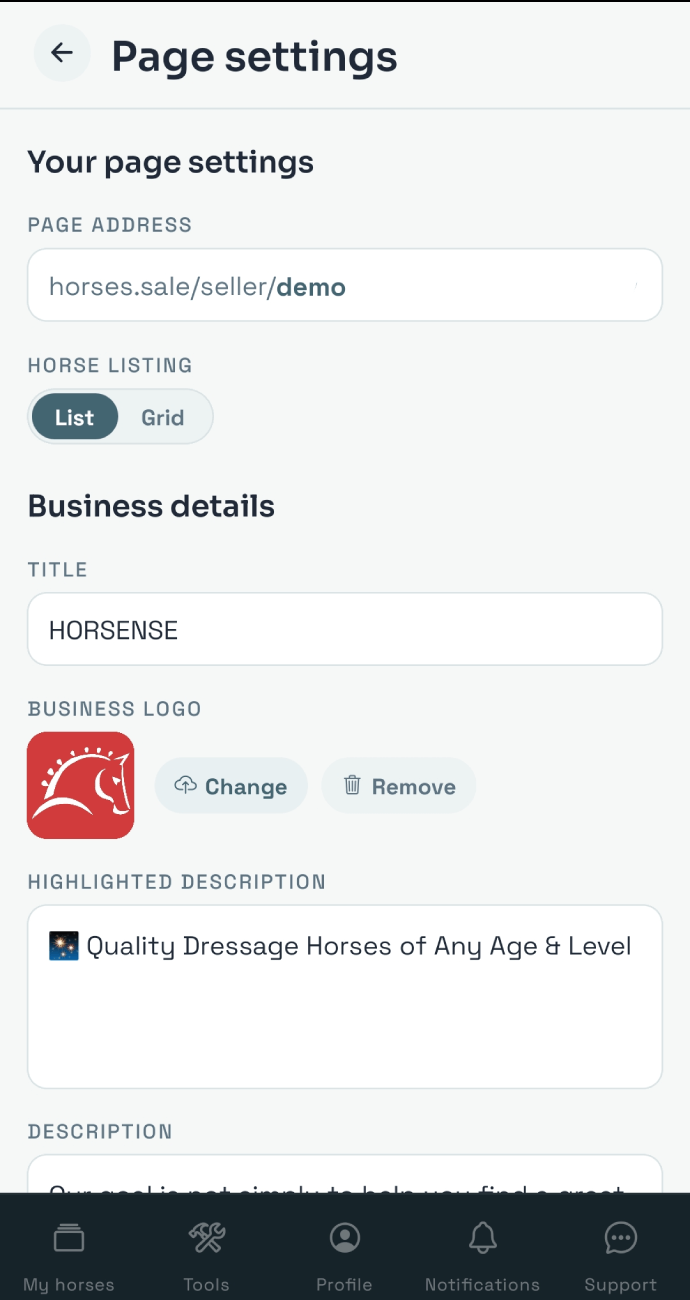
On the Settings screen, you can:
- Edit your page slug (URL) in the
Page addressfield - Select your page layout (list or grid)
- Upload your logo if you have it
- Specify your contacts, including social media accounts
- Add your contact person details
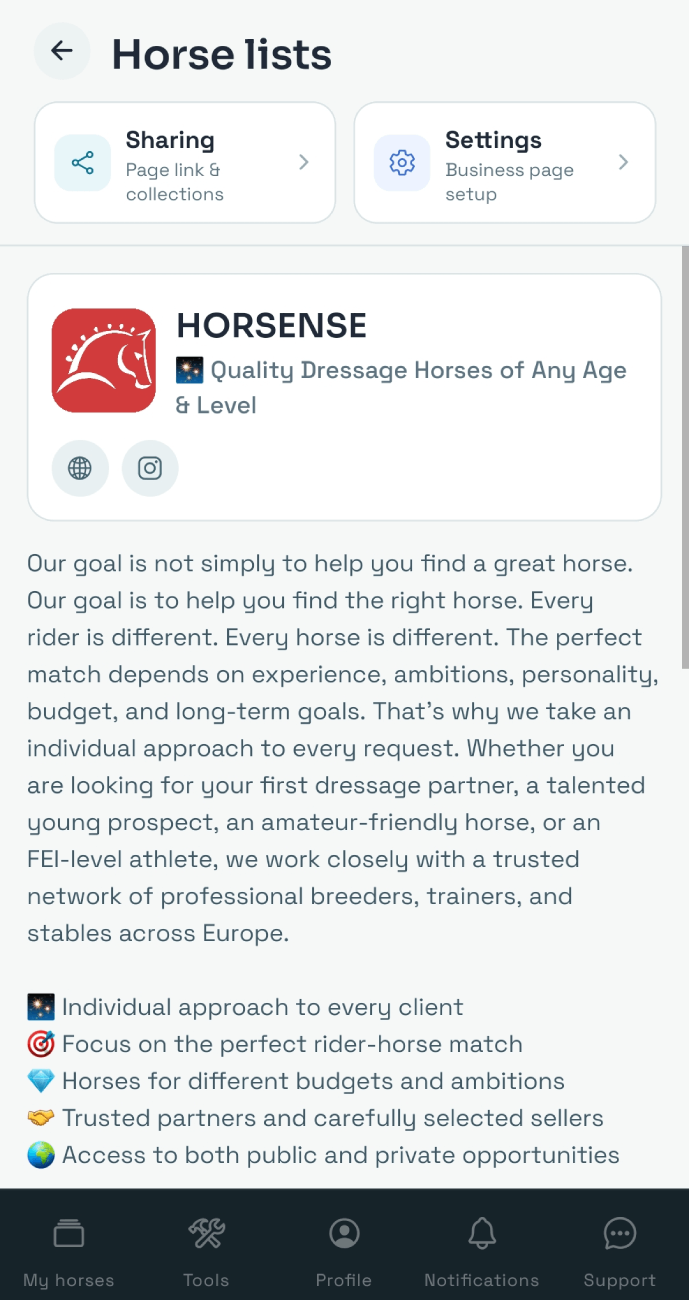
Business page sharing options
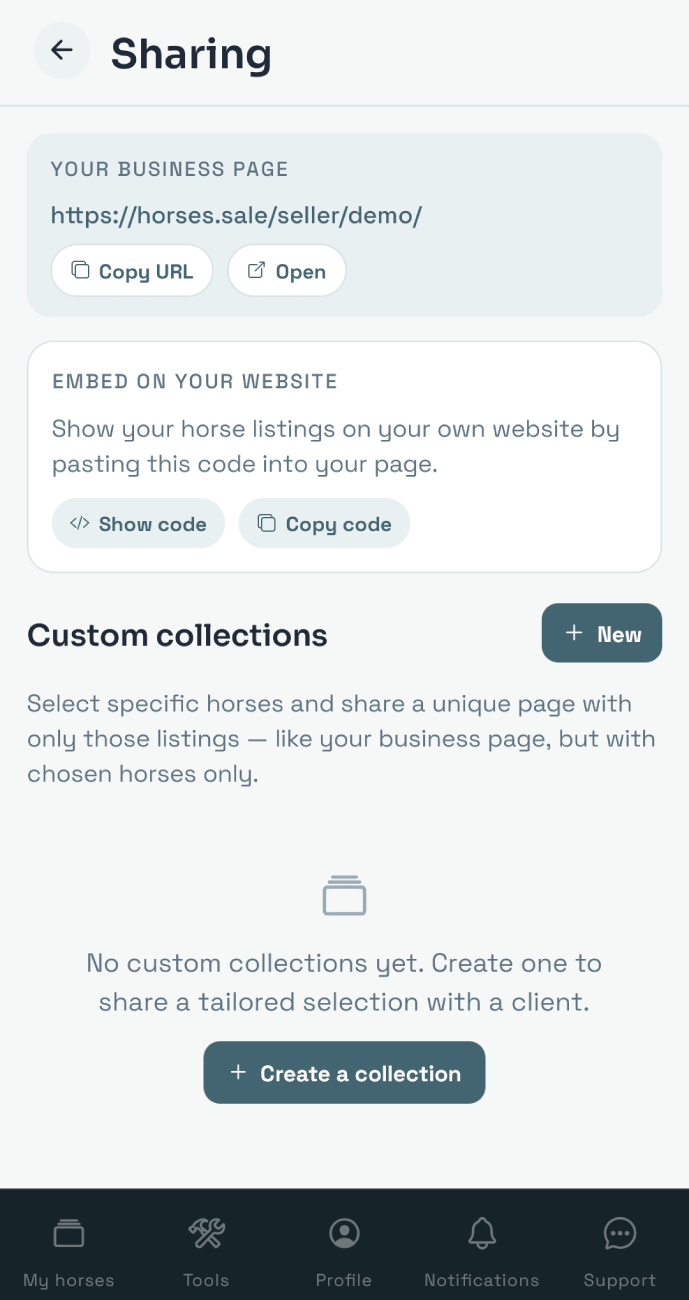
Click the Sharing button on the Horse lists screen.
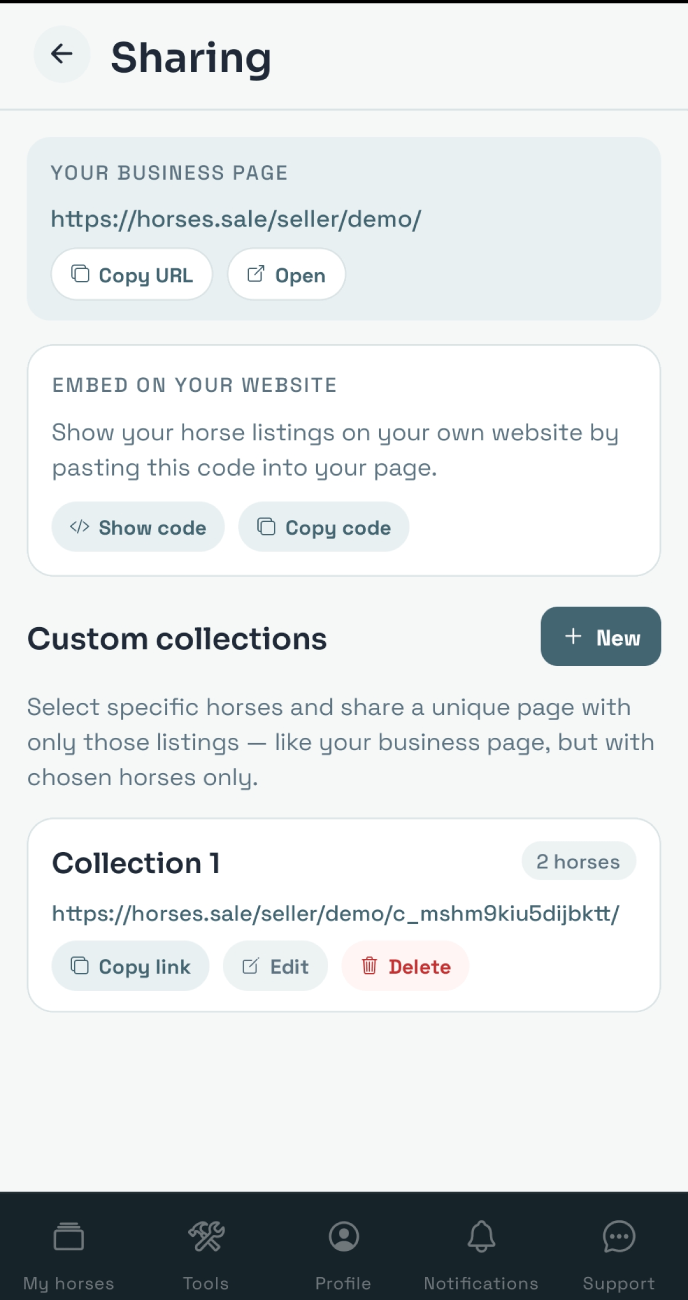
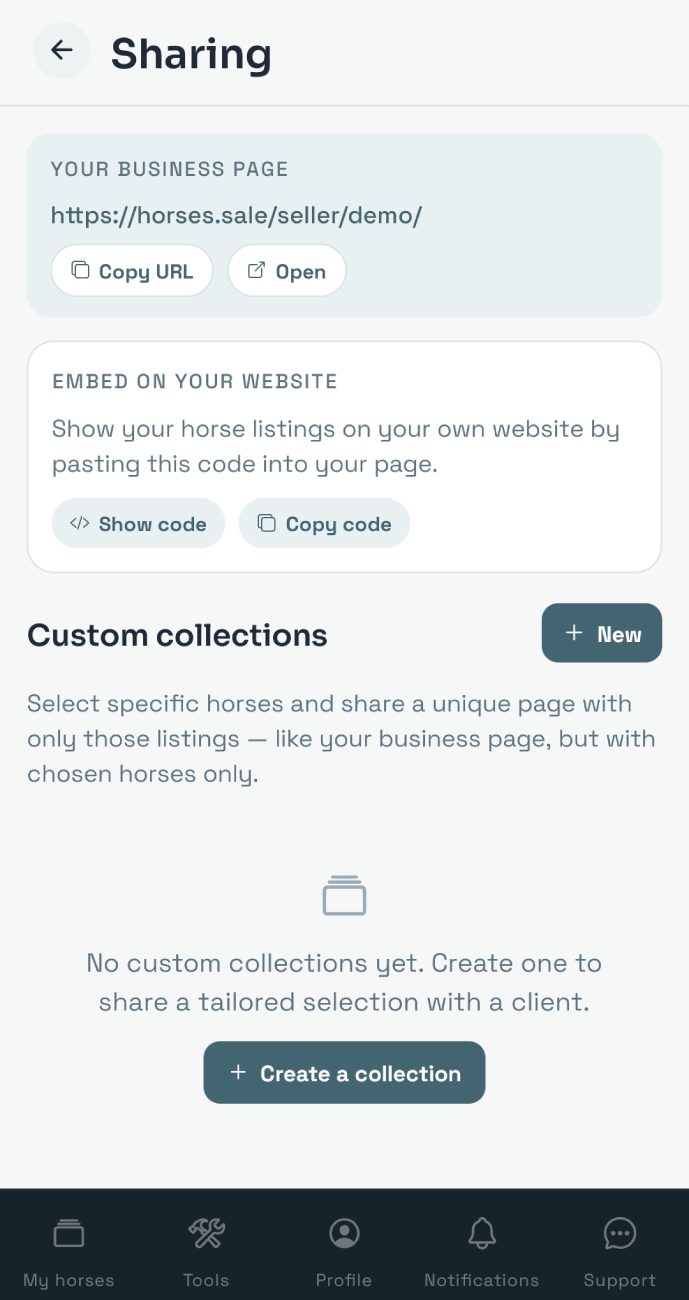
In the Your business page block, you can find the URL to share.
In the Embed on your website block, you can find the code to integrate horse cards into your website.
Collections
Collections can help if you need to generate a list of specific horses.
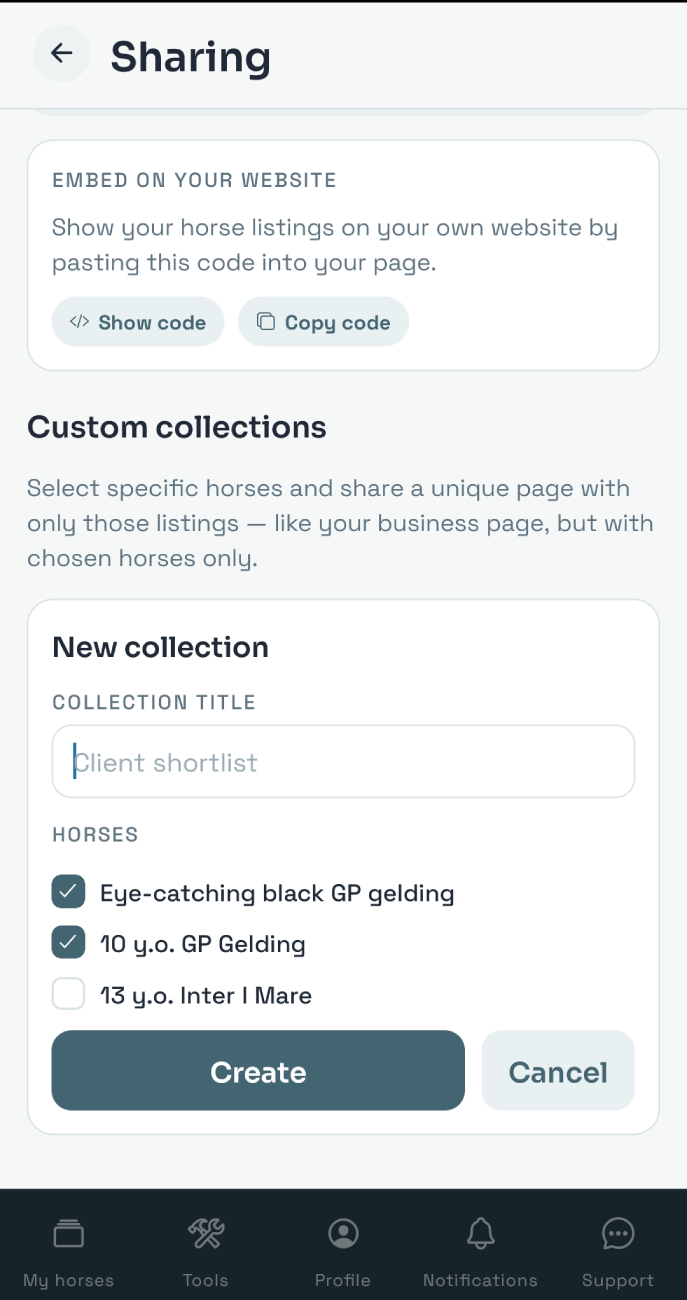
To set up the collection, open the Tools - Horse lists - Sharing screen and tap the Create a collection button.
Create a name for your collection, select the horses to add from your list, and tap the Create button.
Copy and share your collection link.