
Exclusive offers for your request
To create a request in HORSES.SALE mobile app, open the Buy the horse section, and specify the requirements for the horse you are looking for in the Find a horse form.
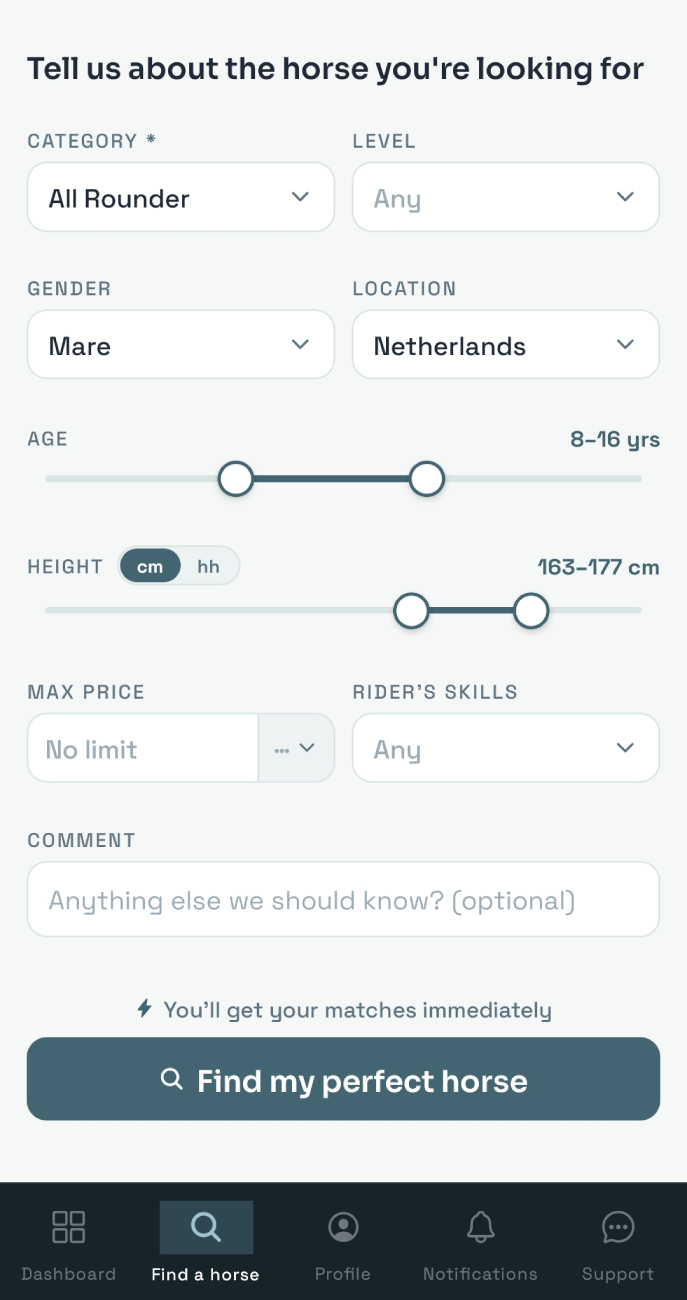
Once the form is submitted, you are redirected to the dashboard, where you can find your request(s) details. Ensure that the Exclusive source is selected.
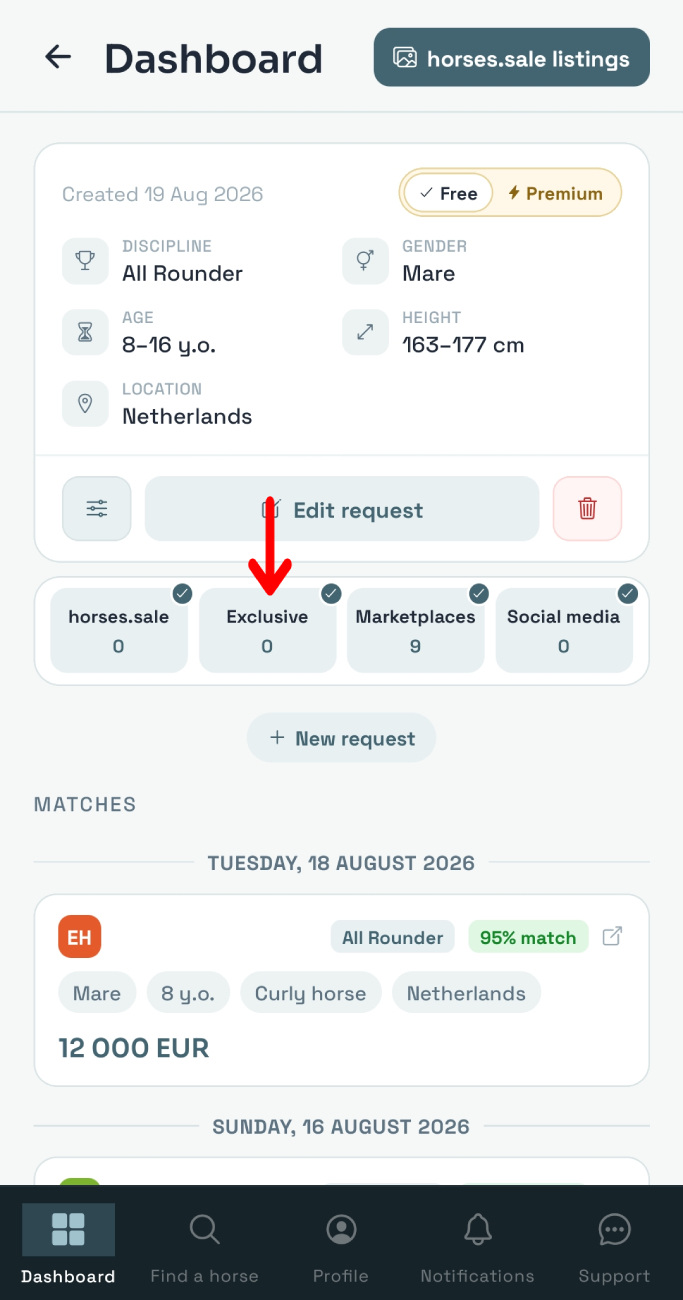
Once your request is created and approved by the administrator, horse sellers with horses that match your requirements will be notified about your request. They may offer you these horses (the chance is higher for a Premium request).
Details of the horses offered to you will appear on your dashboard above other matched horses: immediately for Premium requests or within 24 hours for Free requests. Once it happens, you will be notified, and the horse card with the Exclusive badge will appear on your dashboard.
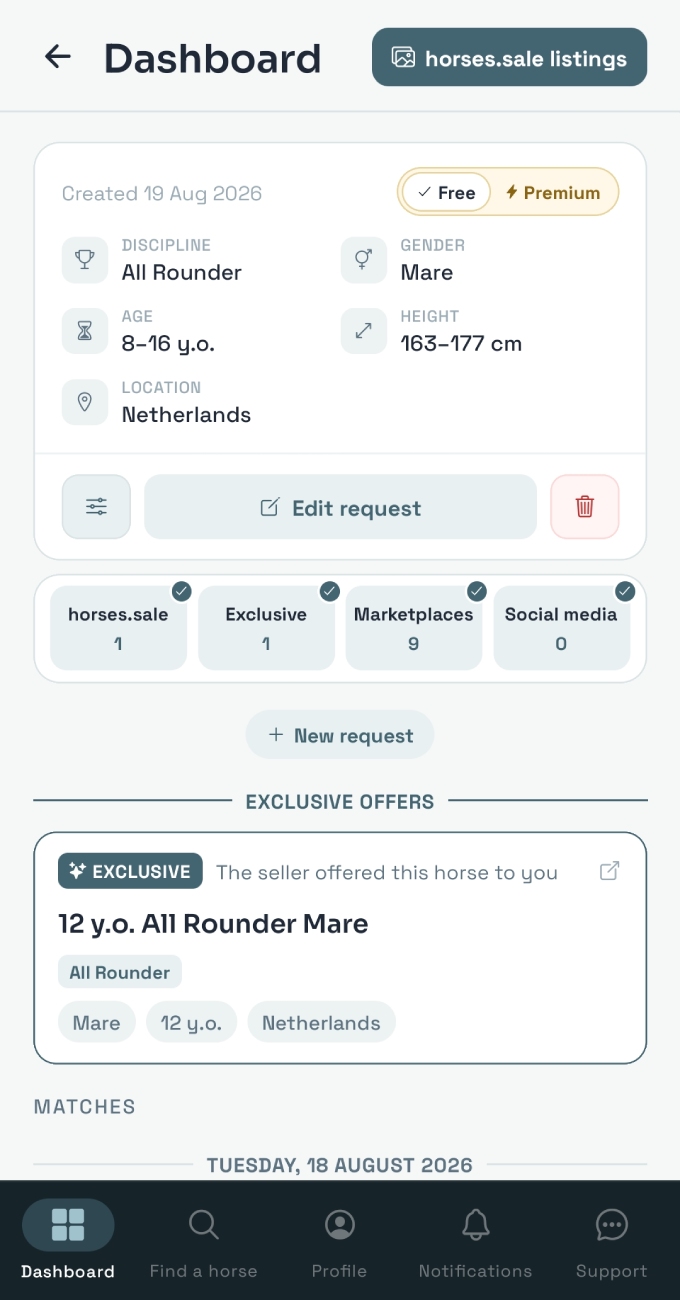
Tap on the horse card - you will see all the details about the horse, including photos, videos, and direct seller contacts. You can contact seller with available method - phone, email, or internal HORSES.SALE messaging.